


Countries in Defalto CRM: Smarter Address Entry
Smarter Address Entry with Countries
Finding the correct postal code or city should not slow down everyday CRM work. Countries in Defalto CRM helps users search locations and automatically complete related address information while working with CRM records.
Less typing, faster address entry
Countries is designed around a simple everyday task. Help users find the right location and reduce repetitive address entry.
Search by postal code
Start entering a postal code and Defalto CRM displays matching cities and locations.
Search by city
Start typing a city name and select the correct location from the available suggestions.
Complete address fields
Postal code, city, region and country can be filled after selecting the correct location.
Start with a postal code
When entering an address, users can begin typing the postal code. Defalto CRM displays matching locations and lets the user choose the correct result.
After the location is selected, the corresponding address fields can be completed automatically.
- Search directly while editing CRM records
- See matching cities and locations
- Reduce repetitive manual data entry
Or start with the city
You do not need to know the postal code first. Users can begin typing a city name and select the correct location from the available results.
Defalto CRM can then complete the related postal code and other mapped address information.
- Search using the beginning of a city name
- Select from matching locations
- Fill related address information automatically
A free feature built into Defalto CRM
Countries and postal code search are included directly in Defalto CRM. You do not need to purchase a separate extension or additional license.
- Included with the Defalto CRM system
- No additional paid extension required
- Available for everyday address entry
- Designed to make CRM data entry easier
Simple configuration for administrators
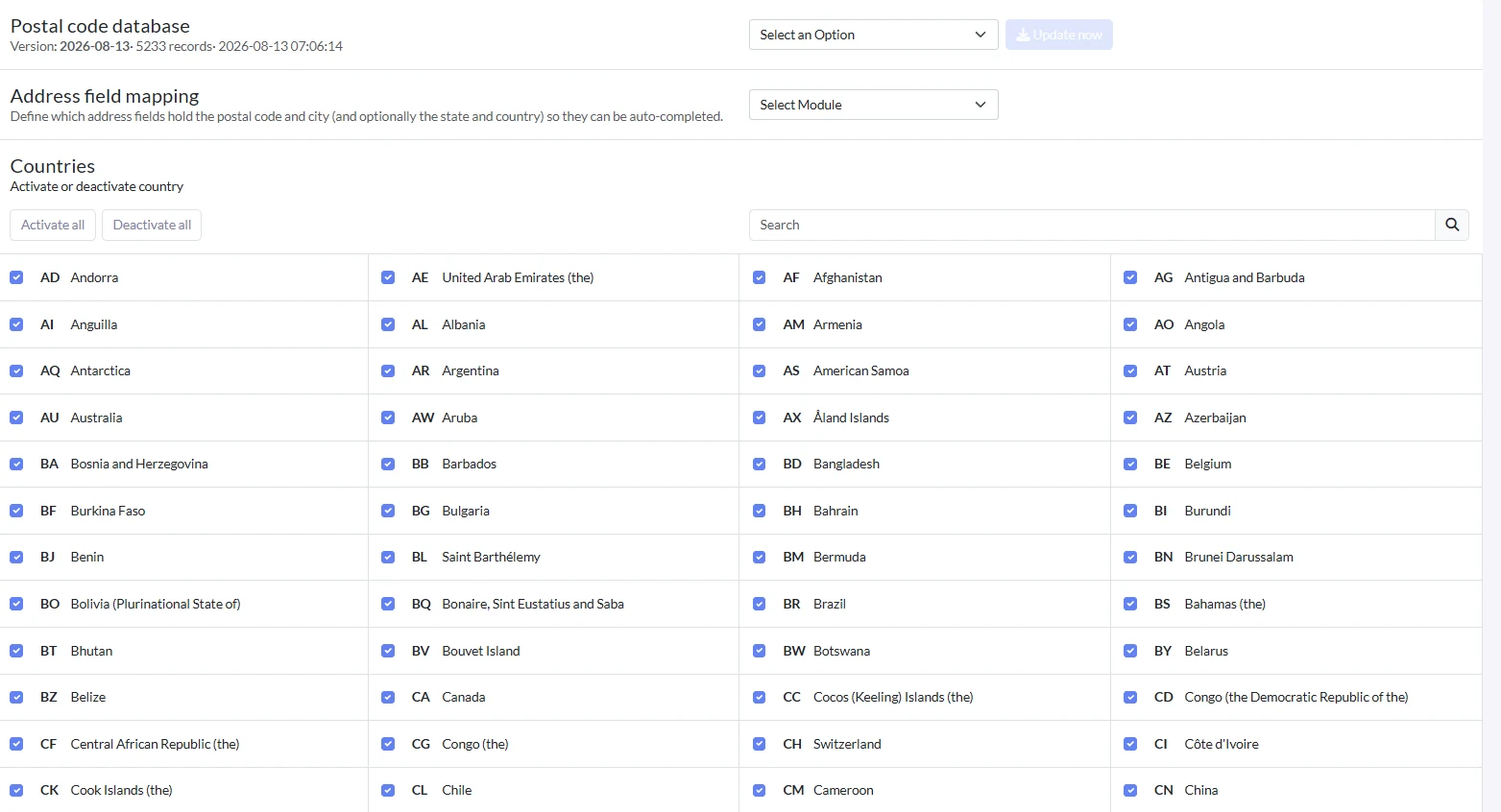
Administrators choose which countries are used, download the required postal code data and connect address information with the appropriate CRM fields.


Use it directly from the record Detail View
Address suggestions are also available when users edit an address directly from the CRM record.
Need the complete setup instructions?
The Countries manual explains country activation, postal code database updates, address field mapping, postal code search, city search and troubleshooting.
Explore Defalto CRM
Countries is one of the practical tools included in Defalto CRM to improve everyday customer data management.
Open Source CRM
Learn more about Defalto as an open source CRM for companies that want flexibility and control over their CRM system.
Explore Open Source CRMDefalto CRM
Discover customer management, sales, support, automation and other functionality available in Defalto CRM.
Explore Defalto CRMTry it yourself
Start a hosted trial and test Countries together with other Defalto CRM features.
Start Free TrialTry smarter address entry in Defalto CRM
Start a free hosted trial and see how Defalto CRM can simplify address entry, customer management and everyday CRM work.
Start Free TrialFrequently asked questions
Answers about Countries, postal code search and address autocomplete in Defalto CRM.
What is Countries in Defalto CRM?
Countries is a Defalto CRM configuration area for managing countries, postal code data and address field mapping used by automatic location suggestions.
Is Countries free in Defalto CRM?
Yes. Countries and postal code and city search are included as a free feature of the Defalto CRM system. No additional paid extension is required.
Can Defalto CRM search by postal code?
Yes. Users can start entering a postal code and Defalto CRM displays matching cities and locations.
Can Defalto CRM search by city?
Yes. Users can start typing the beginning of a city name and choose the correct location from the available suggestions.
Which address fields can be completed automatically?
Defalto CRM can complete postal code and city and, depending on the configured mapping, also region and country.
Where can I find the complete Countries setup guide?
The complete setup instructions are available in the Countries manual .